Microsoft Graph Connector Dev Story

Getting started with Microsoft Graph Connectors

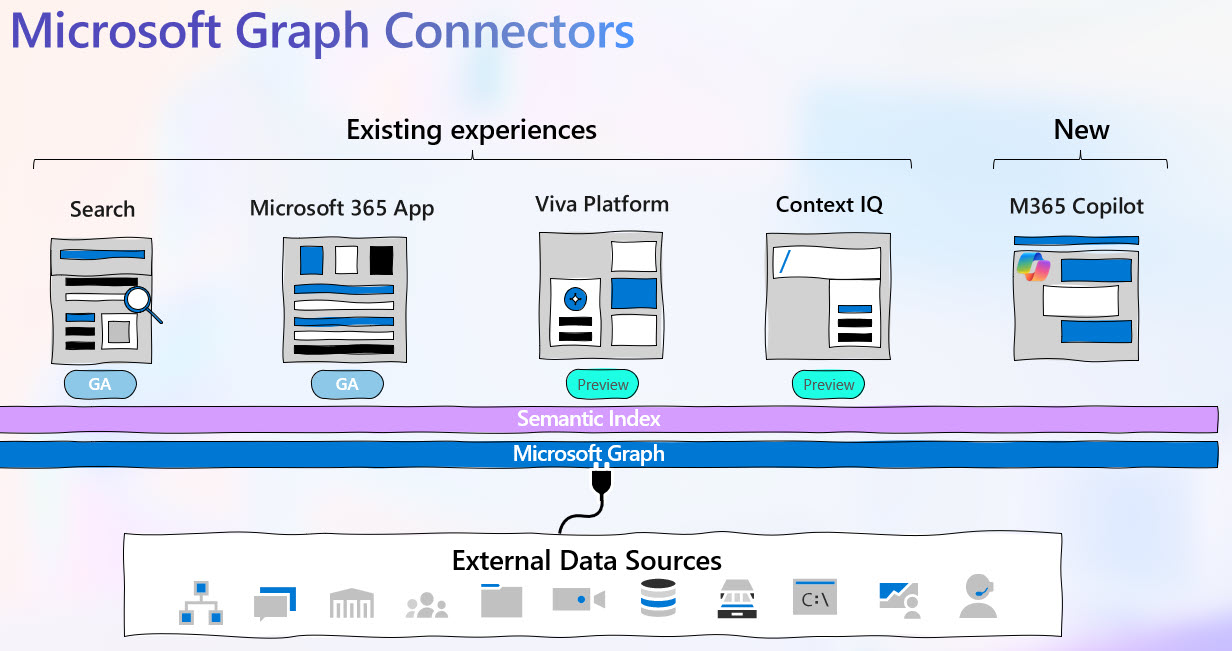
Building Custom Connectors with Microsoft Graph: A Starter Guide Welcome to the world of Microsoft Graph Connectors! If you’re looking to seamlessly integrate external data into Microsoft Search, you’ve come to the right place. This blog post is designed for technical audiences new to Microsoft Graph Connectors, providing a step-by-step guide on how to get started with building custom connectors. Let’s dive in! Introduction to Microsoft Graph Connectors Microsoft Graph Connectors offer a bridge between external data sources and Microsoft 365, allowing you to make external content searchable within Microsoft Search. This integration not only enhances productivity but also fosters collaboration by making external data accessible through familiar tools like SharePoint and Microsoft Teams. ...
February 12, 2024 · 3 min · Fabian Williams
Microsoft Graph Connector Dev Story

Start Developing with Microsoft Graph Connectors

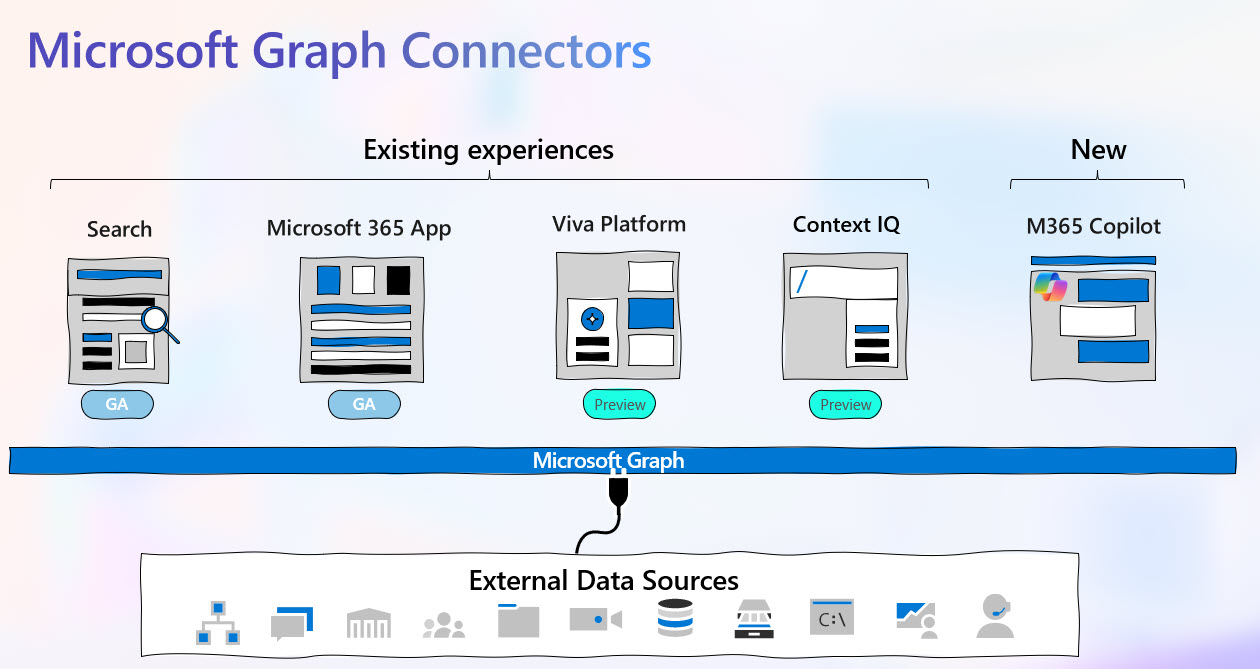
Building inside Microsoft 365 ecosystem with Graph Connectors - A Recipe Book Welcome to the world of Microsoft Graph Connectors! If you’re looking to seamlessly integrate external data into Microsoft Search, you’ve come to the right place. If this is the 1st time you are hearing about Microsoft Graph Connectors, it might be useful to take a look at these 2 earlier post: from Waldek Mastykarz and Majesty Uwagerikpe on Find what you need with Microsoft Graph connectors and from Waldek again Anatomy of a Microsoft Graph Connector This post is a middle of the road post that likely your Data folks, your Security folks, your Business Analyst will ask you questions on so… Let’s dive right in! ...

February 12, 2024 · 3 min · Fabian Williams
Microsoft 365 Developer

Getting started with Microsoft365 Dev

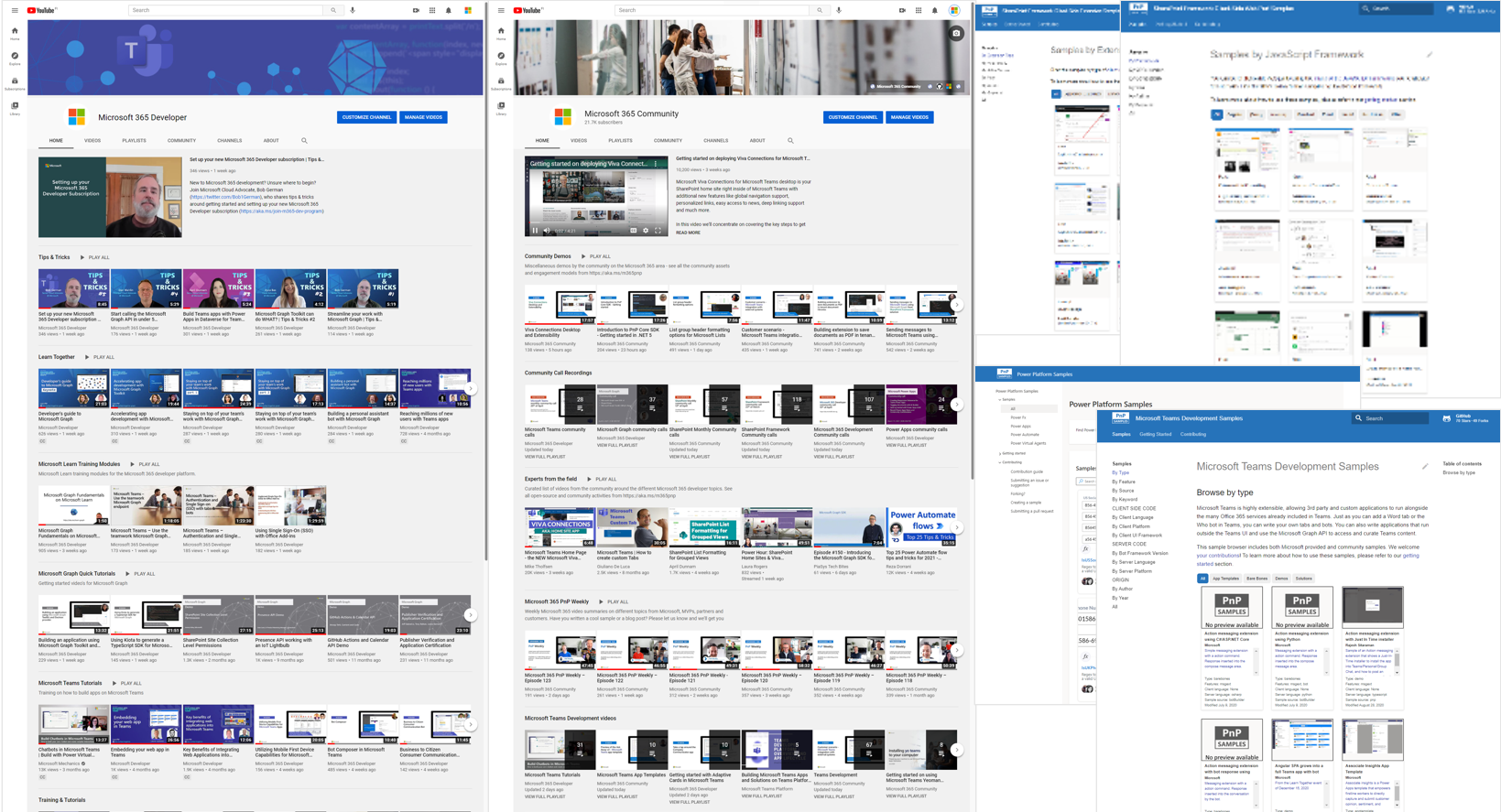
Why you should read this post If you are interested in getting started doing software development with Microsoft 365 and in particular with Microsoft Graph, Microsoft Teams, Microsoft SharePoint, and/or Microsoft Graph,this post gives the cookbook recipie of what you need and where you need to go to get it. I am going to approach it from: Infrastructure ie. what you need to even get started Sample code created from both internal Microsoft as well as contributed from by the Technical Community Video tutorials of solutions curated by the Product Group team I am on at Microsoft Bonus - I will give you the links to Live calls that you can attend with Microsoft that highlights various popular technology stack where you can hear what is out there by the experts as well as ask your troubling keep you up at night questions. Infrastructure For as long as you continue to use this piece of infrastructure you get an instant sandbox preconfigured with sample data, which enables you to start developing on the Microsoft 365 platform within minutes. The sample data includes: ...

October 21, 2022 · 4 min · Fabian Williams
Microsoft Graph and Events API

Manage your Time with Graph in Calendar Events

Why you should read this post Do you find yourself thinking 🤔 wouldnt it be easy to just copy an event on your calendar and paste it to a new location if everything is the same except the time you need it? Well, I tried to do that and from the calendar in the regular thick Outlook Client and I was not able. Later on however after some research I did find an option if I used Outlook Web Access (OWA) or Outlook Progressive Web App (PWA) to Duplicate Event as seen below which gets me what to what I wanted to do. So this works for you, you can stop reading here 😄 if however you only use the regular thick client… keep reading. ...

May 24, 2021 · 3 min · Fabian Williams
Python Plus Microsoft Graph

Microsoft Graph and Python

Why you should read this post If you are interested in Microsoft Graph and how it can work with Python this post gives two examples of an art of the possible. In this post i will be addressing the following topics: Using MSAL libraries in Python Using 2 different Authentication Flows to gain access to Microsoft Graph resources Bonus - Access to my GitHub repo where you can get the code as well as a Jupyter Notebook to runs this on your own Wiring this all up This is not very onerous, in fact if you have ever played with Python, its the simplicity that is really astounding. Basically you need to work the the below libraries to get this sorted: ...

May 10, 2021 · 5 min · Fabian Williams